
Find a Song From a Video Link
Heard a song in a TikTok, Instagram Reel, or YouTube video but can’t find its name? Paste the link to check the audio for a possible song match.
From video link to song title
You don’t need to download a video or record the sound separately. FreeSongFinder checks the audio available from a supported public link.
Copy the video link
Open the video containing the music and copy its direct link. Use the individual post, not a profile or channel URL.
Start recognition
Paste the link into the song finder and start the check. The tool looks for a recording that matches the music in the video.
Review the result
If a match is found, you’ll see the track name, artist, and other available details so you can check the song yourself.
What happens when you check a song?
FreeSongFinder displays the song details when it finds a match, or explains when the audio cannot be identified reliably.
Song identified
Review the song title and artist, then compare the result with the music in your video.
No match found
If the music is too quiet, short or edited, try another public video where the audio is clear.
The song might be hidden behind a sound label.
Each platform labels music differently. These tools help you check the audio itself when the title isn’t obvious.
TikTok Song Finder
Creators often reuse short clips, sped-up edits, and sounds credited to someone other than the original artist.
Find TikTok musicInstagram Song Finder
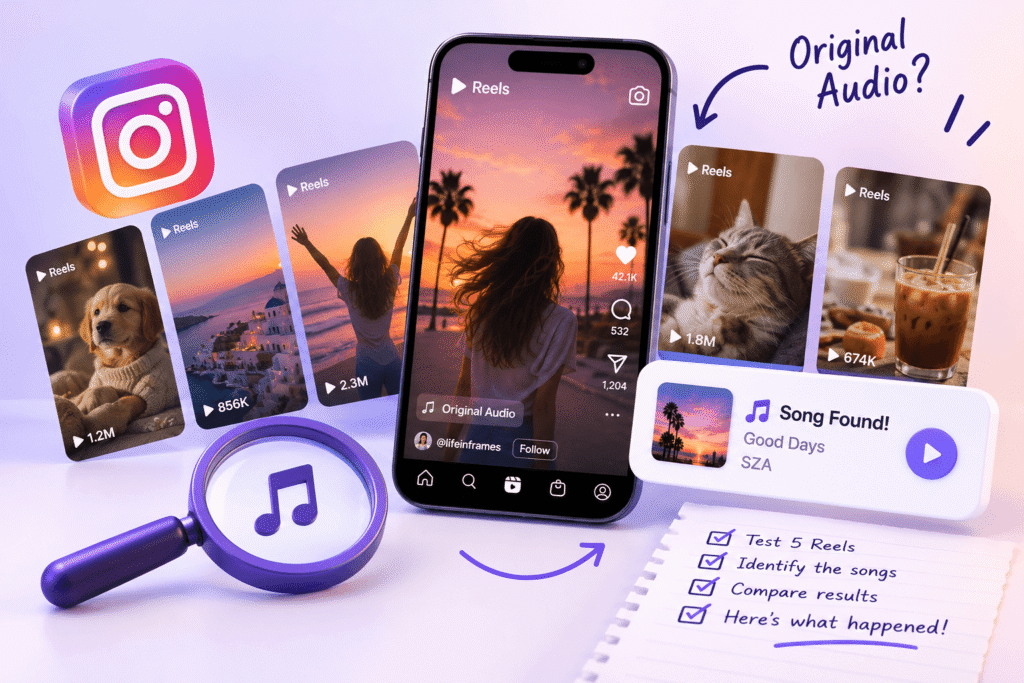
A Reel marked “Original audio” may still contain recognizable music, sometimes underneath a voice-over.
Find Instagram musicYouTube Song Finder
Videos and Shorts can feature music that isn’t mentioned in the description, title, or music credits.
Find YouTube musicWhy some songs are harder to identify
Good recognition starts with accessible, clearly recorded audio. Here’s what can make finding a song difficult — and what you can try instead.
The music is too quiet
If speech or effects are much louder than the track, recognition may miss it. Try a clip where the music is easier to hear.

There’s too much talking
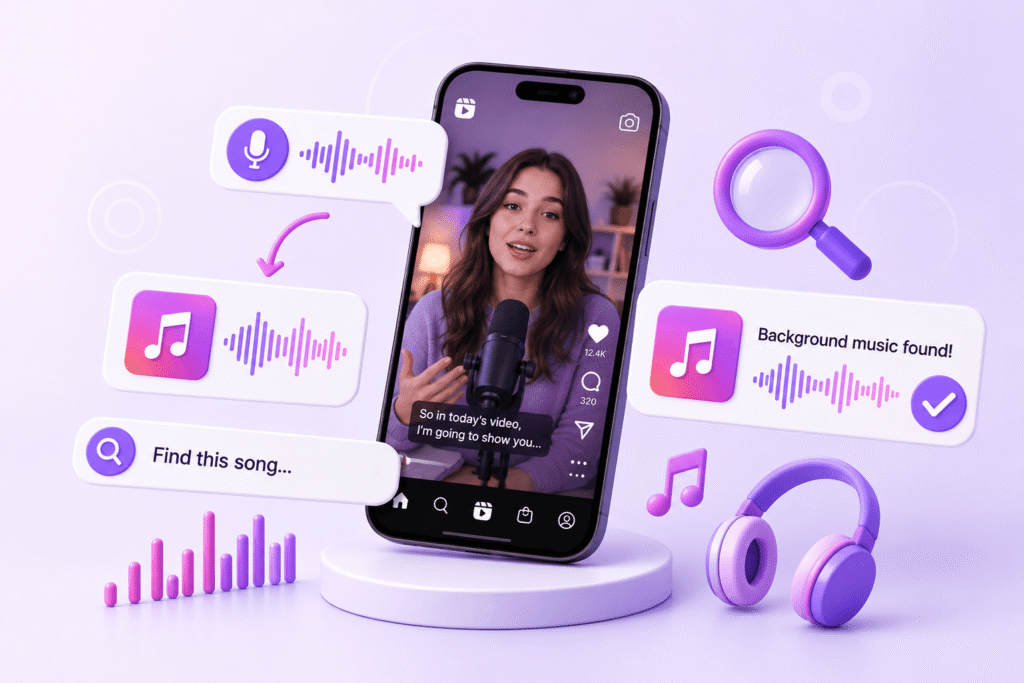
A voice-over can cover important parts of a song. Read our guide to identifying background music.
The clip is too short
A brief beat or fragment may not be enough. Look for another video using a longer section of the same music.

The video isn’t available
Private posts, removed videos, and some restricted links can’t be processed. Use a direct link to a public video.

The song is edited or remixed
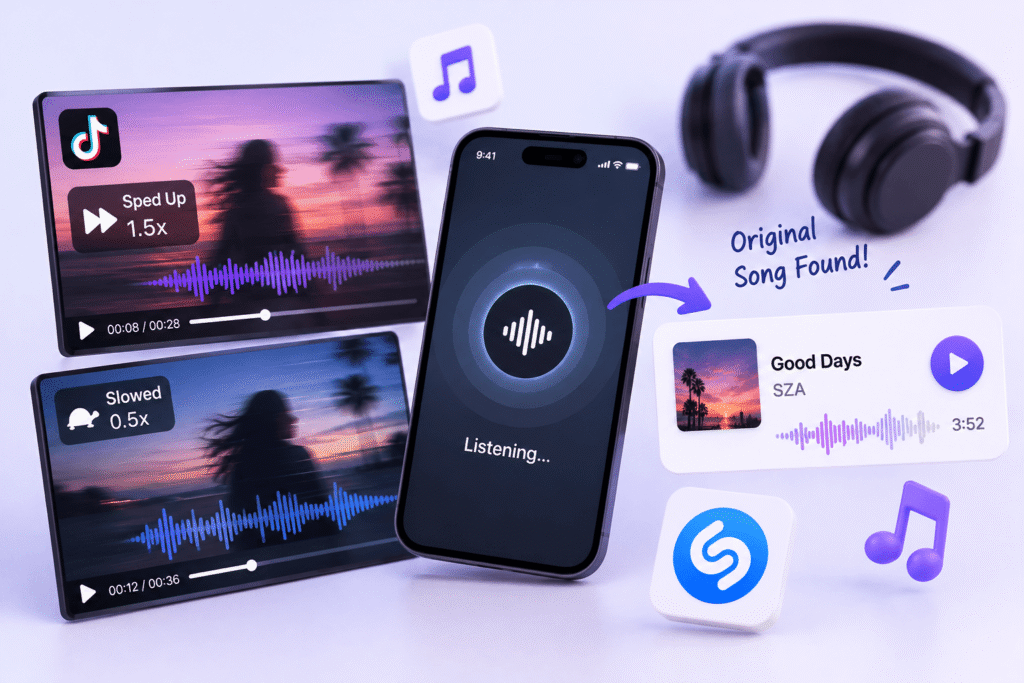
Speed and pitch changes can confuse recognition. Learn how to track down the original song.
The recording isn’t recognized
Some unreleased tracks, custom sounds, or original compositions aren’t in the recognition database, even with clear audio.
The sound label isn’t always the song title.
On TikTok and Instagram, a sound label often describes the audio uploaded with the post. It might name the creator instead of the artist, and it may include talking or sound effects along with the music.
FreeSongFinder tries to recognize a recording from the audible audio. If several songs play in a video, the returned match may refer to only one of them. Check the actual recording before assuming you’ve found the exact version.
Tips for finding your next song
Simple guides to help you identify music from videos.
Good to know before you search
What the tool supports, what can affect recognition, and how to handle a song that isn’t found.
Can I identify a song from a TikTok or Instagram link?
Yes. Paste a public TikTok video or Instagram Reel link. The finder will attempt to recognize music from the video audio.
What if the video says “Original audio”?
That label doesn’t always reveal the song underneath. If the music is recognizable, FreeSongFinder may still identify it from the recording.
Does it work with regular YouTube videos and Shorts?
Yes. You can use public YouTube videos and Shorts. If a longer video contains multiple songs, a single result may not identify every one.
Can it identify music playing behind a voice-over?
Sometimes. Results are more reliable when the music is clear. Loud talking and overlapping audio can make matching difficult.
Why am I getting “No Match Found”?
The recording may be too short, heavily edited, masked by noise, or unavailable in the matching database. Try another public video with clearer sound.
Do I need to download a video or create an account?
No. For supported public links, you can use the finder online without downloading the video, installing an app, or signing up.
Is FreeSongFinder free to use?
Yes, the online song finder is free to use.